How to Automate Sales Order Entry in Epicor Kinetic
The four practical ways to automate sales order entry in Epicor Kinetic: EDI, document capture, building your own, and AI order entry. What each one covers, what it costs you in effort, and what to check before you choose.
Most Epicor Kinetic sites still key a large share of their sales orders by hand. The orders arrive by email as PDFs, spreadsheets, scans and plain text, and someone reads each one and types it into Sales Order Entry.
There are four practical ways to automate that work. They are not mutually exclusive, and the right mix depends on who your customers are and how they send orders.
1. EDI for your largest, most structured customers
EDI is still the right answer for high-volume trading partners who can send structured data. Once it is set up, it is fast and reliable.
The limitation is reach. EDI only works with customers who are willing and able to send it, and each connection is a project. For most manufacturers that means a handful of large accounts, while the long tail of customers keeps emailing PDFs. We cover this gap in more detail in Is EDI Dead?.
2. Document capture and templates
The next step most sites look at is document capture: software that pulls fields out of order documents and passes them to Kinetic. Epicor's own option here is Sales Order Automation, a module of Epicor ECM that uses Epicor IDC to capture the data and then validates it in Kinetic.
Capture works well when order formats are consistent. The effort sits in configuring and tuning capture for each format, and in keeping it working as customers change their documents. We compare the two approaches side by side in lowki.ai vs Epicor ECM Sales Order Automation, and explain why template-based OCR struggles with real order mail in AI Order Processing Is Not OCR.
3. Build your own
Some Kinetic teams build their own pipeline: Power Automate or a script watches the mailbox, a document AI service extracts the fields, and the Kinetic REST API creates the order.
This can work, and it keeps everything in-house. The cost is ownership. Someone has to handle customer and part matching, exceptions, error handling, monitoring and every change in Kinetic or in the AI service, long after the first version goes live.
4. An AI order entry service
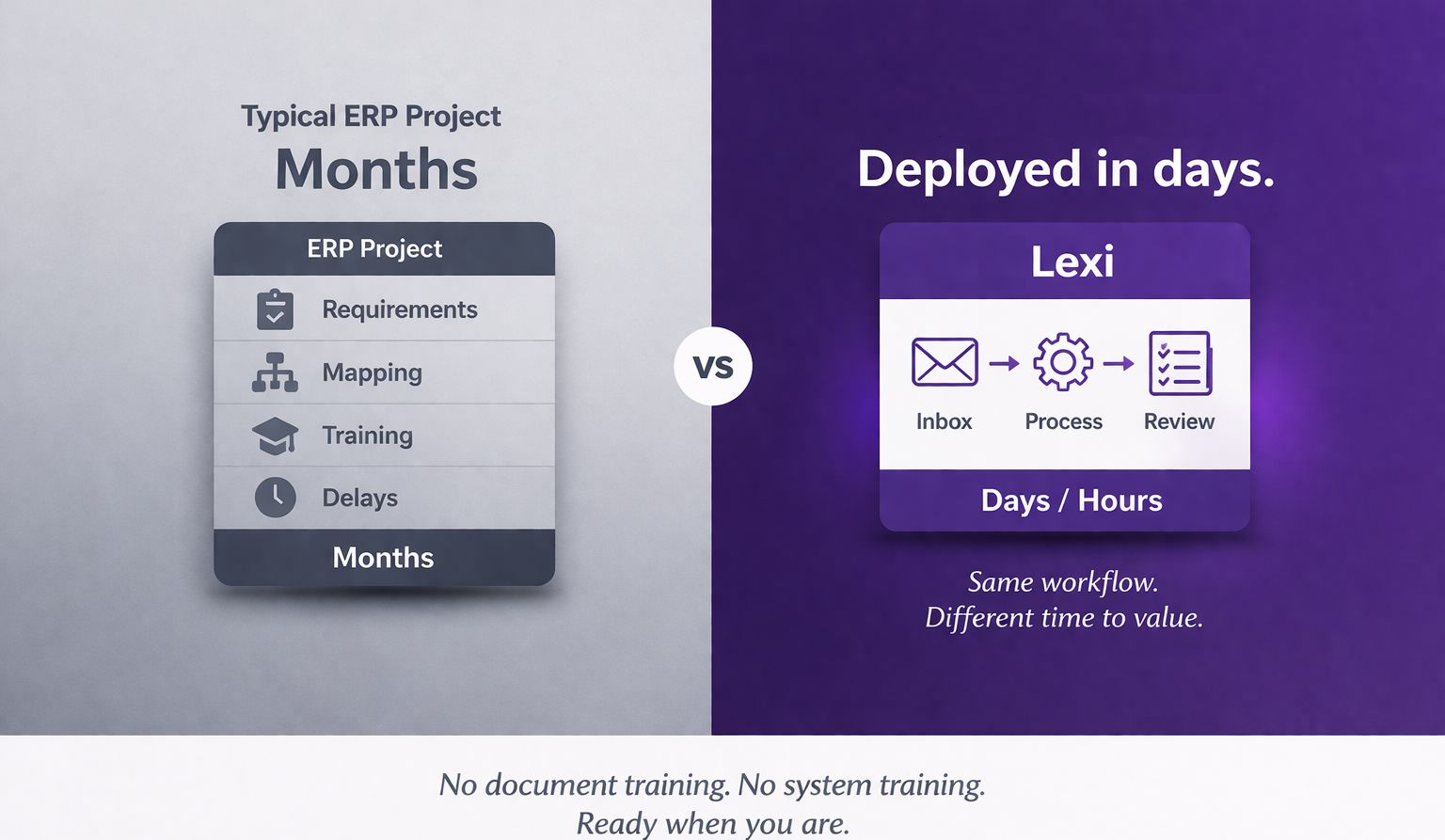
The newest option is a service built specifically for the job. lowki.ai reads each order your team drags into its folder, with no per-customer templates, matches the customer and part numbers against your Kinetic data, and creates the sales order in Kinetic through the REST API. Anything it is unsure of is flagged for your team to check.
Because it goes through the REST API, your Method Directives, Data Directives and validations still apply. We recommend holding new orders with a BPM in your own Kinetic work process, so every order is reviewed before it is processed. lowki.ai works with your process and doesn't change it.
What to check before you choose
Whichever route you take, these questions separate a tool that helps from one that creates more work:
- Does it go through Kinetic's business logic? Anything that writes straight to the database bypasses the rules you have already built. Look for the REST API.
- What happens when it is unsure? Every approach will meet orders it can't read with confidence. You want those flagged clearly, not guessed at.
- Where is the review gate? Decide whether new orders should be held for a person before they are processed, and make sure the tool works with that.
- Where does your data go? Ask where documents are processed, whether copies are kept, and who else shares the infrastructure. Our answers are on the security and architecture page.
- How much setup does each customer need? Templates and per-customer training are where most projects stall.
- How long until it is live, and what does it cost? A published price and a short deployment make it easy to test on real orders.
Where to start
If you already have EDI with your largest customers, keep it. The question is what to do with everyone else. Pick a week of real order emails, including the awkward ones, and see what each option does with them. That test tells you more than any feature list.
If you would like to try it with lowki.ai, send us a handful of real orders and we will show you the result.
About the author: Mark Betts
Business Technology Manager, Thomas Dudley Ltd
Mark is Business Technology Manager at Thomas Dudley, a UK manufacturing group running Epicor Kinetic, where he leads the business technology team that supports the whole group, from infrastructure and desktop support through to business systems and ERP development. He has over 20 years of commercial IT experience, all of it inside Thomas Dudley, developing and deploying business systems improvements, new routes to market and efficiency gains across the group. He works on both sides of the table: hands-on with AI, C#, SQL and Kinetic, and translating what a business needs into systems that actually deliver it. An on-prem advocate.
Mark Betts on LinkedIn